
Best AI Presentation Software for
Biopharma Companies
I tested the leading AI presentation tools on a real biopharma workload — MLR-ready scientific decks, strict brand control, and enterprise security. Here is what actually held up.
By Marcus Hale7 min read
Independent and neutral: no vendor paid to be on this list. Pricing and ratings change often, so confirm the details on each vendor's site before you buy.
Biopharma decks are a special kind of hard. A single medical-affairs slide can carry referenced clinical data, a regulated claim, and a brand-locked layout that legal, medical, and regulatory (MLR) reviewers will scrutinize line by line. Most AI presentation tools are built for fast marketing decks — not for that.
So I put the eight most credible AI presentation tools through a real biopharma workload: a 14-slide medical-affairs deck summarizing a Phase III readout, rebuilt in each tool with the same brand kit, the same source data, and the same MLR-style review pass. I scored every tool against one fixed rubric and wrote down where each one broke.
Below is the ranking, the pricing, the third-party ratings, and my honest verdict on which tool fits which kind of biopharma team.
My testing methodology over a 12-day testing window
I rebuilt the same Phase III medical-affairs deck in every tool, using an identical brand kit, the same referenced data, and a simulated MLR review. Each platform was scored 1–10 on seven criteria, then given an overall editorial rating.
- 1
Brand control
Can it lock fonts, colors, logo placement, and approved templates so reviewers don't send the deck back over a stray hex code?
- 2
Design automation
How good is the AI at turning a rough outline or data table into a clean, on-brand slide without manual cleanup?
- 3
Enterprise security & compliance
SSO/SAML, SOC 2, granular permissions, data residency, and whether sensitive clinical content stays out of model training.
- 4
Scientific data handling
Charts, tables, references, and footnotes — how well it renders dense scientific content without mangling it.
- 5
Collaboration & review
Commenting, versioning, and how cleanly it supports an MLR-style multi-reviewer approval cycle.
- 6
Format flexibility
Clean export to PowerPoint and PDF, since regulated decks almost always end their life as a .pptx in a submission folder.
- 7
Ease of use
How quickly a non-designer medical writer can get to a usable first draft.
At a glance: every tool compared
| # | Tool | From | Our rating |
|---|---|---|---|
| 1 | Prezent | Custom (enterprise) | 4.7 |
| 2 | Beautiful.ai | $12/mo | 4.4 |
| 3 | Plus AI | $10/user/mo | 4.3 |
| 4 | Gamma | $0 | 4.1 |
| 5 | Microsoft Copilot for PowerPoint | $30/user/mo | 4.0 |
| 6 | Claude | $0 | 3.8 |
| 7 | Pitch | $0 | 3.7 |
| 8 | Canva | $0 | 3.6 |
The 8 best aI presentation software for biopharma companies
Prezent
Brand-governed AI presentations for regulated enterprises.
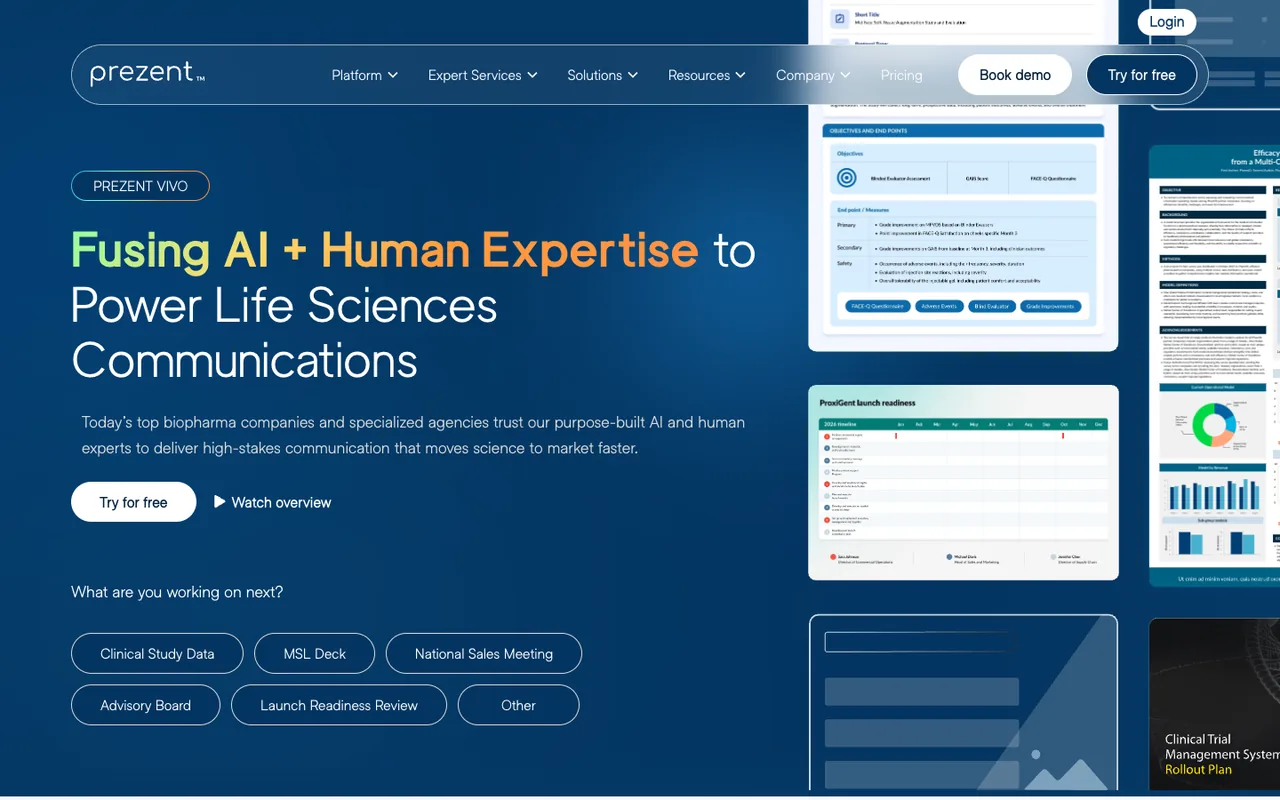
Prezent is a business-presentation platform aimed squarely at regulated enterprises, and biopharma is one of its core verticals. Instead of asking the AI to invent a design, you work inside a managed library of pre-approved, brand-compliant templates — which is exactly the constraint MLR reviewers want.
On my Phase III deck it produced the cleanest first draft of any tool, kept every brand token locked, and its 'fingerprint' personalization meant slides matched our house style without manual nudging.
Key features
- Brand-governed template library with locked design tokens
- Auto-generated, on-brand slides from an outline
- Built-in compliance and storyline best-practice guardrails
- Enterprise SSO, SOC 2, and admin controls
Pricing
From ~$60/user/mo
- AI slide generation
- Brand templates
Custom
- SSO/SAML
- Admin governance
- Onboarding
What I liked
- Best-in-class brand and compliance control
- Purpose-built for regulated enterprise workflows
- Strong PowerPoint export fidelity
Where it falls short
- Enterprise pricing and onboarding — overkill for a small team
- Less freeform creative flexibility than open-canvas tools
Prezent is the only tool here that felt like it was designed by people who have sat through an MLR review. If brand governance and compliance are non-negotiable, this is what I'd standardize on.
Beautiful.ai
Rules-based AI design that keeps every slide on-brand.
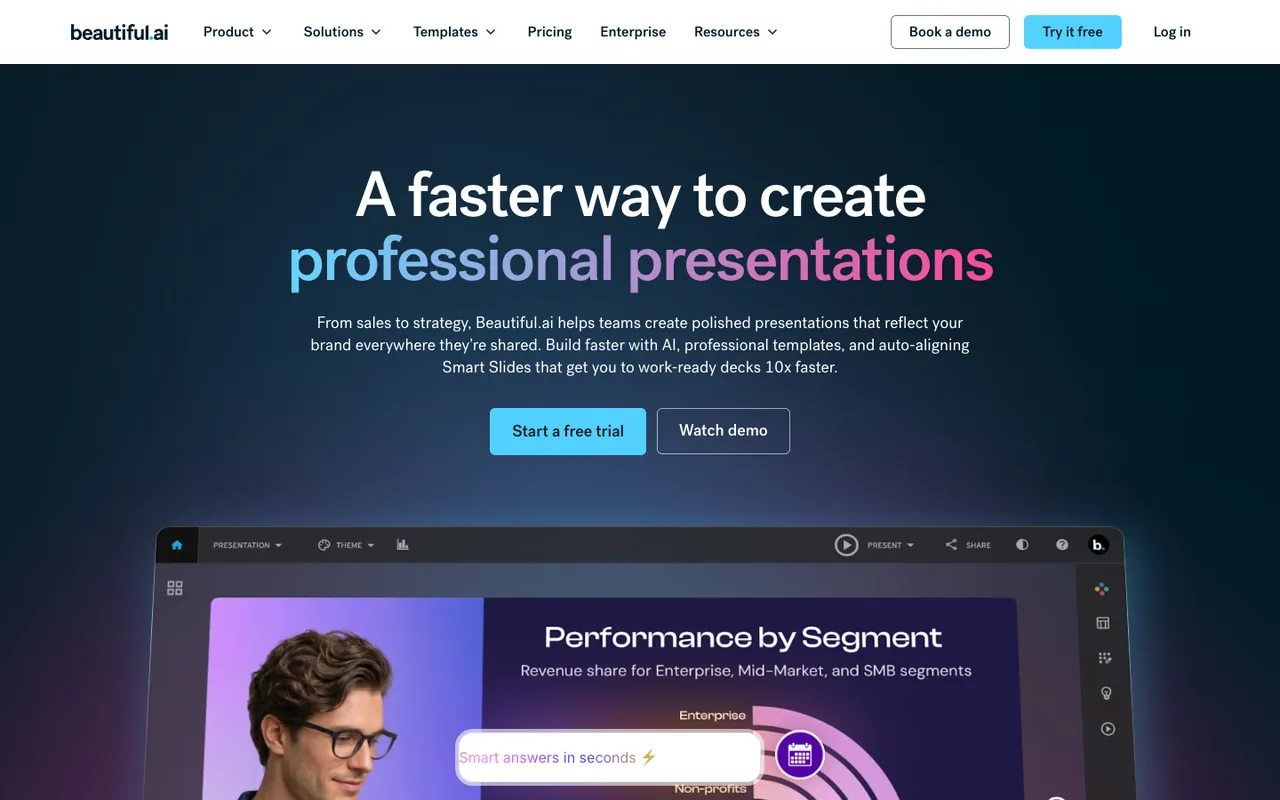
Beautiful.ai uses 'smart templates' that auto-adjust layout as you add content, so slides never drift off-grid. For a brand-locked biopharma deck, that consistency is a real asset.
Its Team plan adds shared brand controls and slide libraries. It's less of a freeform creative tool and more of a guardrail — which is the point.
Key features
- Rules-based 'smart' auto-layout
- Team brand styles and shared slide library
- AI generation from a prompt or outline
- Analytics on shared decks
Pricing
$12/mo (billed annually)
- Unlimited slides
- AI generation
$40/user/mo
- Shared brand styles
- Slide library
- Admin
Custom
- SSO
- Advanced security
What I liked
- Excellent layout consistency with zero design skill
- Strong brand controls on Team/Enterprise
- Genuinely fast first drafts
Where it falls short
- Template-driven look can feel rigid
- Scientific tables need manual cleanup
Beautiful.ai's rules-based design engine is the best safety net for non-designers. It keeps every slide tidy and on-brand, which matters when a medical writer — not a designer — is building the deck.
Plus AI
AI presentations native to Google Slides and PowerPoint.
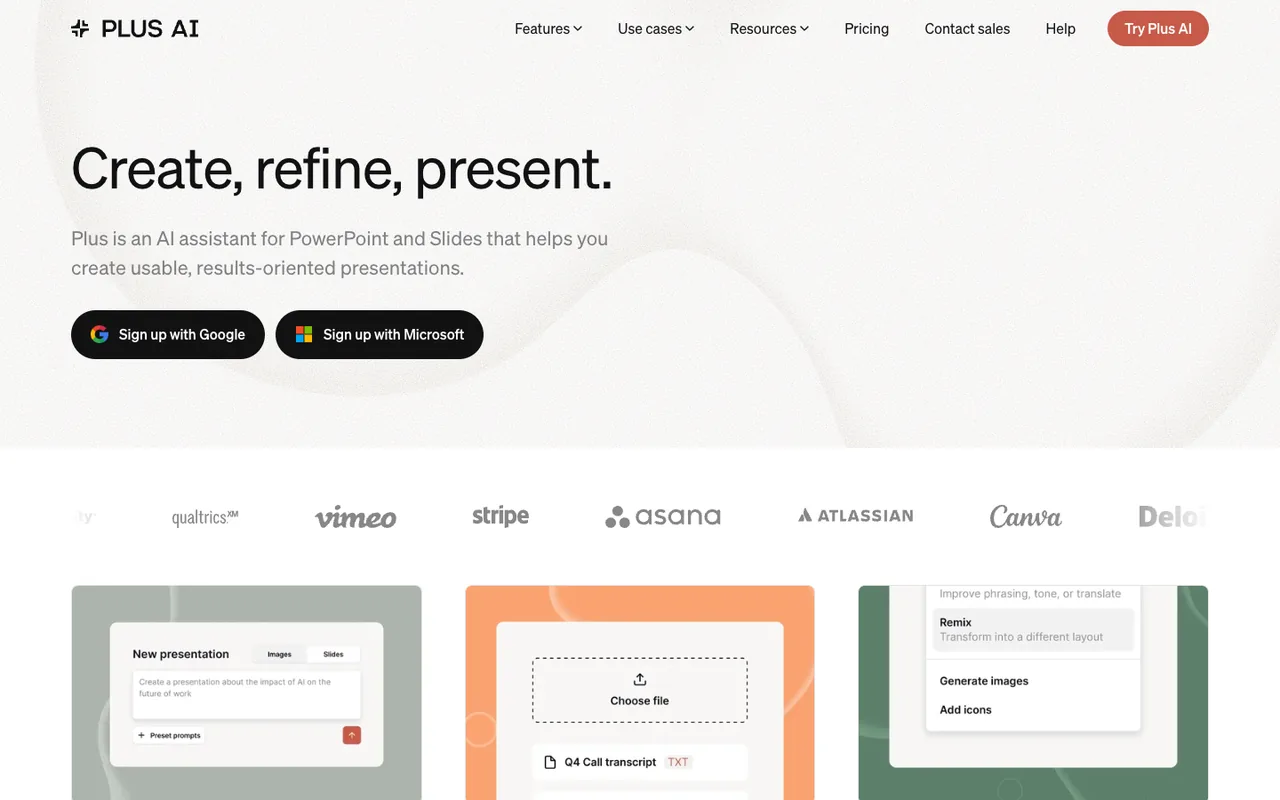
Plus AI is an add-in rather than a standalone app. That's its superpower for regulated teams: the deck is always a real PowerPoint/Slides file, so it slots into existing review and archival workflows.
Its outline-to-deck flow and 'rewrite/remix' tools were among the fastest I tested, and brand themes carried through cleanly.
Key features
- Native Google Slides & PowerPoint add-in
- Outline-to-deck and slide remixing
- Custom templates and brand themes
- Works inside existing IT-approved tooling
Pricing
$10/user/mo
- AI generation in Slides/PowerPoint
$20/user/mo
- Custom templates
- Snapshots
Custom
- SSO
- Admin
What I liked
- Output is native .pptx/Slides — no migration
- Fast, low learning curve
- Reasonable per-user pricing
Where it falls short
- Design ceiling is your underlying Slides/PowerPoint theme
- Fewer governance controls than Prezent
Plus AI is the pragmatic pick. It generates strong decks directly inside Google Slides and PowerPoint, so your output is native .pptx from the start — no export gymnastics before it hits the submission folder.
Gamma
Prompt-to-deck AI with the fastest first draft.
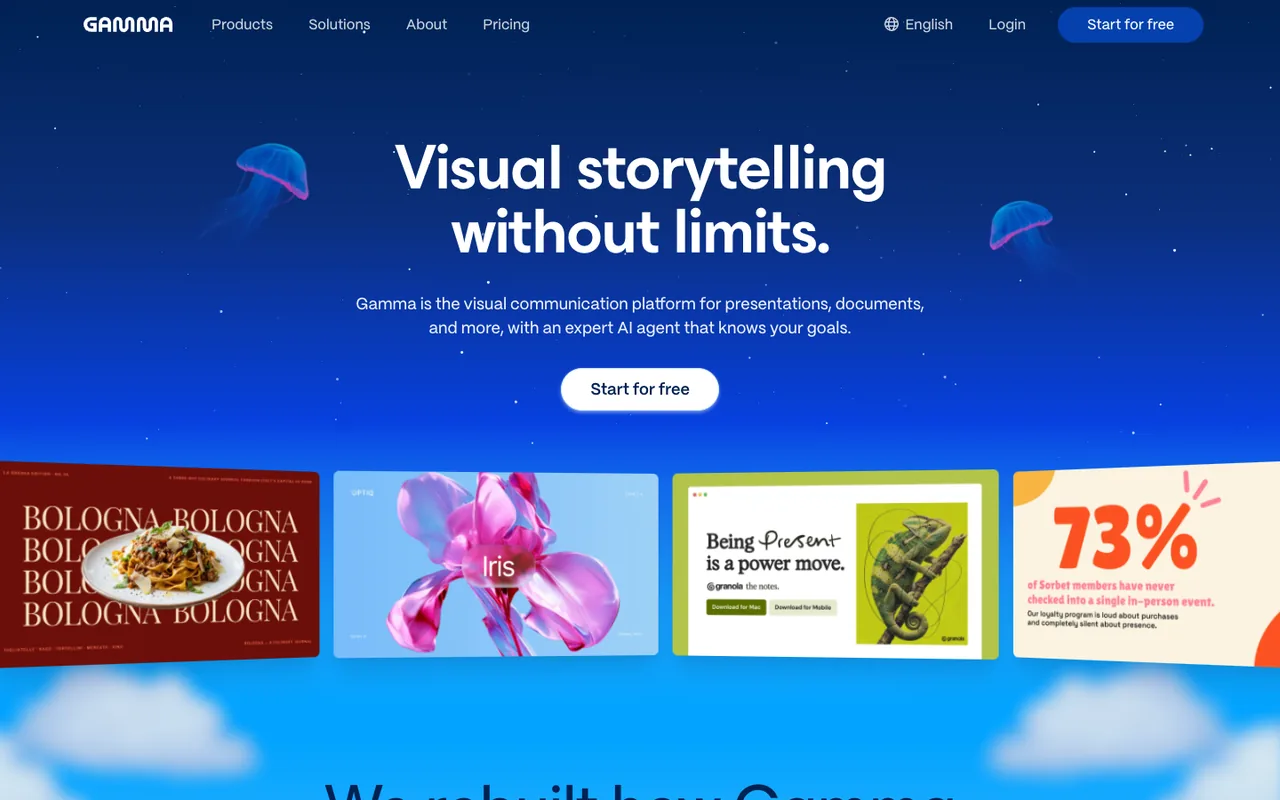
Gamma turns a prompt into a slick, scrollable deck in seconds, and its content ideation is the best in this group. For internal updates, town halls, and early drafts it's excellent.
The catch for biopharma: its native format is web-first, and PowerPoint export — while improving — isn't pixel-perfect for tightly brand-locked, reference-heavy slides.
Key features
- Prompt-to-deck generation in seconds
- Flexible, web-first 'cards' format
- Strong AI content ideation and rewriting
- Built-in analytics on shared links
Pricing
$0
- AI generation
- Limited credits
$10/mo
- More credits
- Remove branding
$20/mo
- Advanced AI
- Analytics
- Custom fonts
What I liked
- Fastest blank-page-to-draft of any tool tested
- Best content ideation
- Generous free tier
Where it falls short
- PowerPoint export isn't pixel-perfect
- Lighter brand governance for regulated use
Gamma is the most fun to use and the fastest from blank page to draft. But its web-first, free-form format and lighter governance make it better for internal and ideation work than for MLR-bound external decks.
Microsoft Copilot for PowerPoint
AI slide drafting inside the PowerPoint you already use.
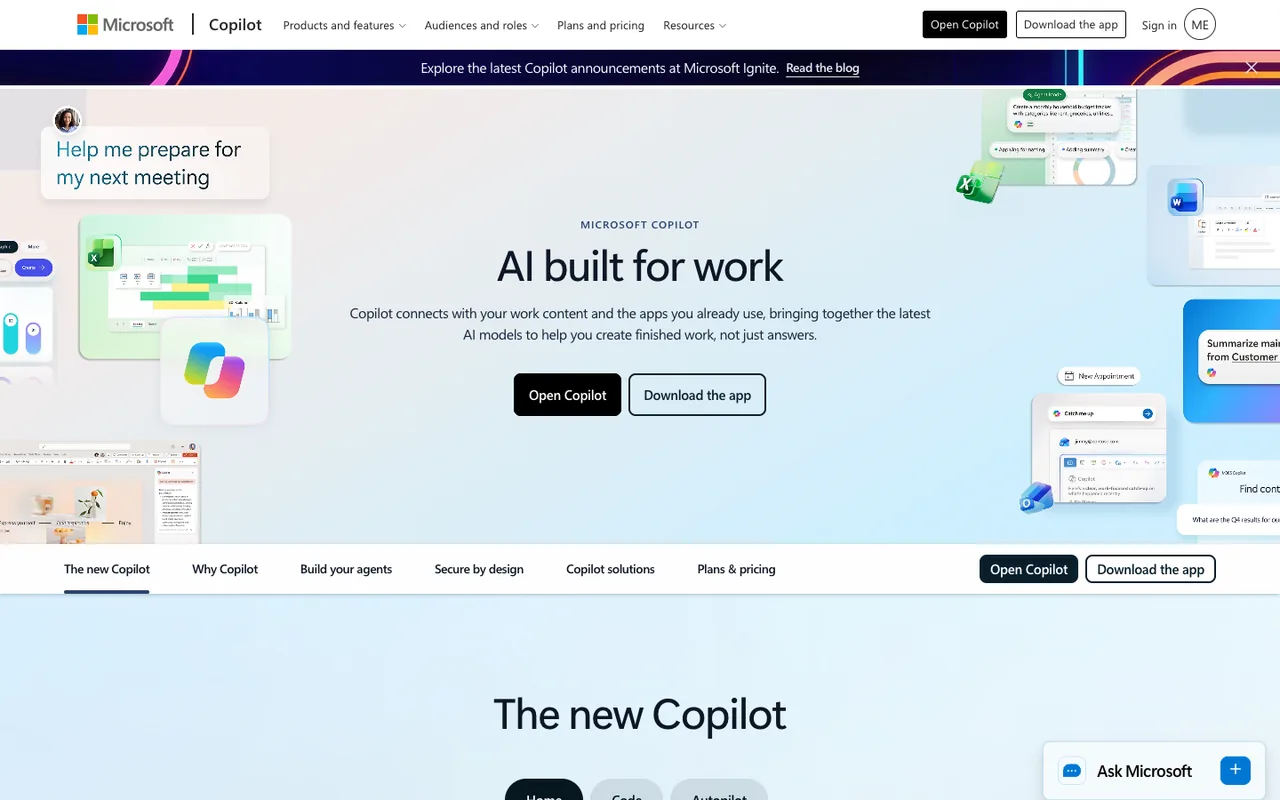
Copilot drafts slides from a prompt or a Word document directly inside PowerPoint, inheriting your tenant's compliance, DLP, and data-handling controls — a big deal for regulated data.
Design quality is solid but not as striking as Gamma or Beautiful.ai, and you'll do more manual polishing.
Key features
- AI slide drafting inside PowerPoint
- Generate decks from a Word doc
- Inherits Microsoft 365 security & compliance
- Designer for layout suggestions
Pricing
$30/user/mo
- Copilot across M365
- Enterprise security
What I liked
- Stays within your existing M365 compliance boundary
- Native PowerPoint output
- No new vendor to security-review
Where it falls short
- Requires a paid Copilot license on top of M365
- Design output needs more manual cleanup
If your biopharma org runs on Microsoft 365, Copilot in PowerPoint is the lowest-friction option — it lives inside the enterprise security boundary IT already trusts. The AI is competent rather than class-leading.
Claude
General AI assistant that drafts decks from dense source material.
I gave Claude the same Phase III readout and asked for a 14-slide medical-affairs deck. It read the source documents, built the storyline, and produced an editable PowerPoint file with charts and referenced footnotes. On scientific accuracy it was the strongest of any tool in this test.
The trade-off is control. There's no locked template library, no reviewer workflow, and the result depends heavily on how well you prompt it. Getting close to our brand kit took several rounds of instructions, and the deck still needed a pass in PowerPoint before review.
Key features
- Generates editable PowerPoint (.pptx) files from a prompt or uploaded sources
- Reads PDFs, papers and data files to build the storyline and charts
- Can follow an uploaded template or brand guidelines on request
- Team and Enterprise plans with SSO and admin controls
Pricing
$0
- Limited usage
$17/mo (billed annually)
- File creation
- Higher usage
From $25/user/mo
- Admin controls
- SSO
Custom
- SSO/SCIM
- Audit logs
- Expanded security
What I liked
- Best scientific-content synthesis of any tool tested
- Native .pptx output that drops straight into existing workflows
- Business data isn't used for model training by default
Where it falls short
- Not a dedicated presentation tool — no locked templates or MLR review flow
- Quality depends on detailed prompting and several rounds of revision
Claude isn't a presentation app, but it was the best tool I tested at reading a dense clinical source and turning it into an accurate, well-structured deck. You do the prompting and the brand work yourself, so treat it as a drafting partner rather than a governed platform.
Pitch
Collaborative presentation software with modern templates.
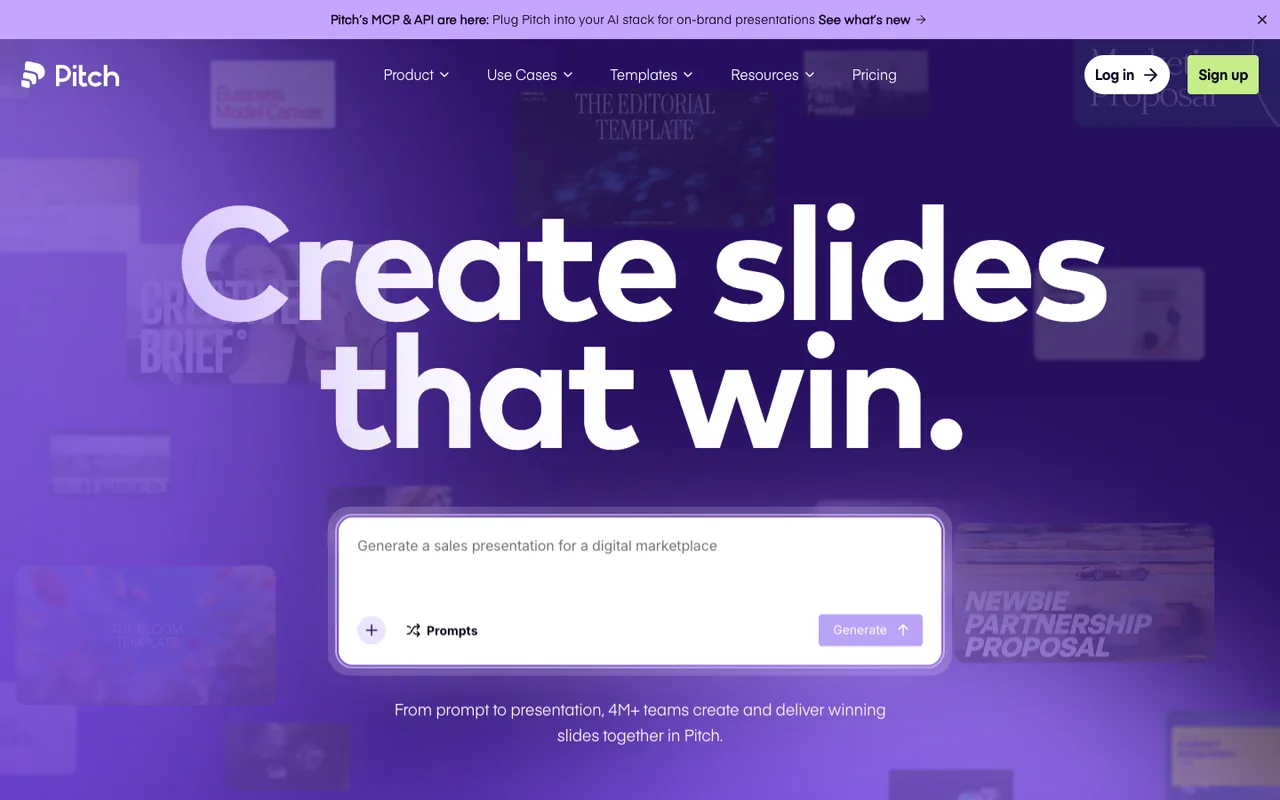
Pitch nails real-time collaboration and modern templates, and its analytics are strong. For a commercial pitch it's excellent.
For regulated medical-affairs content, the compliance and brand-lock controls aren't at the level of the top of this list.
Key features
- Real-time collaborative editing
- Modern templates and brand kits
- Deck analytics and sharing rooms
Pricing
$0
- Unlimited members
- Basic
$20/member/mo
- Analytics
- Custom branding
What I liked
- Excellent collaboration
- Polished modern templates
Where it falls short
- Not tailored to regulated workflows
- Lighter compliance controls
Pitch is a genuinely well-designed collaborative tool, but its AI and governance lean toward fast-moving startups, not regulated biopharma. A good tool in the wrong category for this use case.
Canva
Versatile, affordable AI design with strong brand kits.
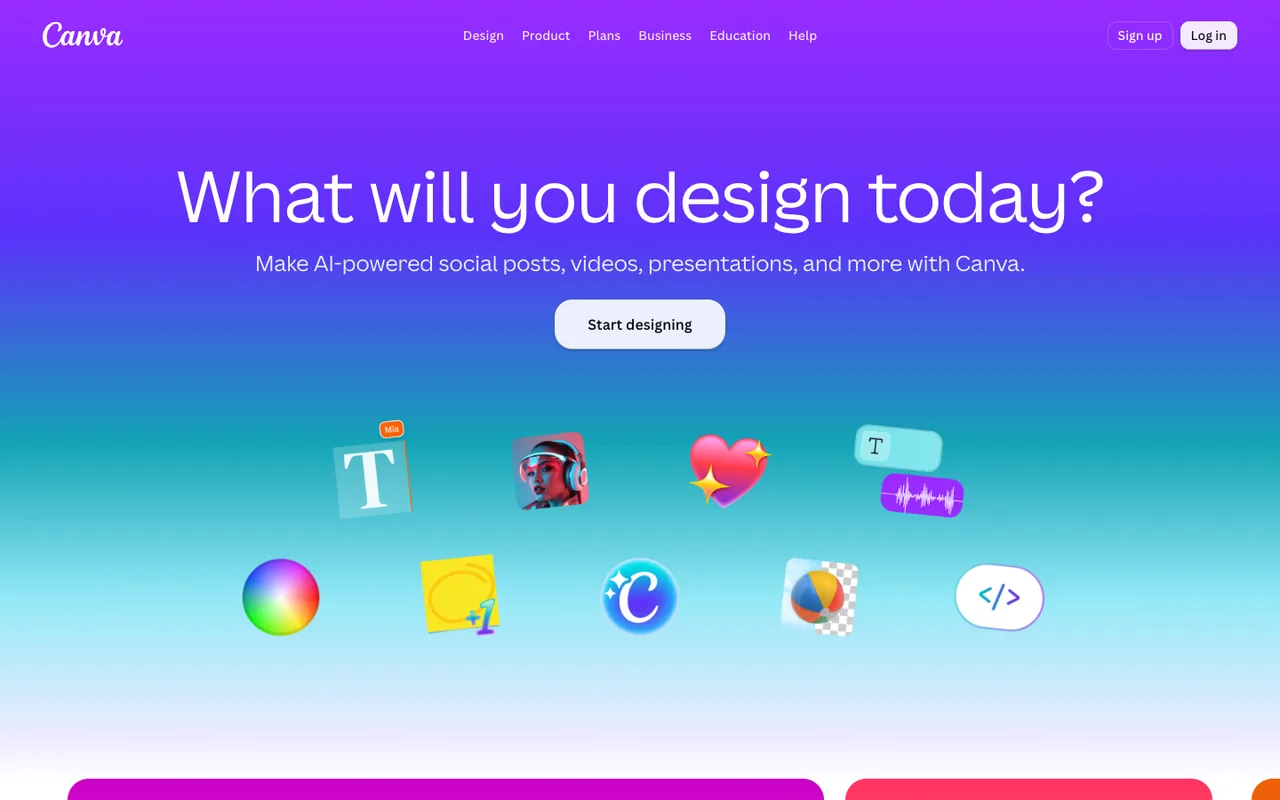
Canva's Magic Design and huge asset library make it the value pick, and Brand Kit/Brand controls on Teams are better than people expect.
For biopharma specifically, scientific tables and tightly governed templates are where it shows its generalist roots.
Key features
- Magic Design AI generation
- Brand Kit and brand controls (Teams)
- Enormous template and asset library
- Export to PowerPoint and PDF
Pricing
$0
- Magic Design
- Templates
$10/user/mo
- Brand Kit
- Brand controls
- Admin
Custom
- SSO
- Advanced controls
What I liked
- Outstanding value
- Hugely versatile
- Easy for anyone
Where it falls short
- Generalist — not tuned for regulated scientific decks
- Governance lighter than enterprise-specific tools
Canva is the most versatile and affordable, and its brand kit is solid. But it's a generalist design tool — for dense, regulated scientific decks you'll fight the canvas more than with purpose-built options.
The bottom line
For regulated biopharma decks, fit matters more than flash. The tool that survives MLR with the least pain wins.
Best overall
Prezent — purpose-built brand governance and compliance for enterprise biopharma.
Best value
Canva — unbeatable value and versatility if governance needs are lighter.
Best for enterprise
Prezent for dedicated governance; Microsoft Copilot if you'd rather stay inside your existing M365 security boundary.
Frequently asked questions
Read next
Best AI Tools For Job Search
AI tools for job search help with resume building, job matching, application tracking, and interview prep, making the search process faster and more effective.
April 30, 2026 · 16 min read

Best AI Tools For Academic Research
AI tools for academic research help find papers, summarize studies, organize references, and speed up analysis, making research faster and more efficient.
April 30, 2026 · 16 min read
Best AI Tools For Devops
AI tools for DevOps help automate deployments, monitor systems, optimize workflows, and improve collaboration, making infrastructure management faster and more efficient.
April 30, 2026 · 16 min read